
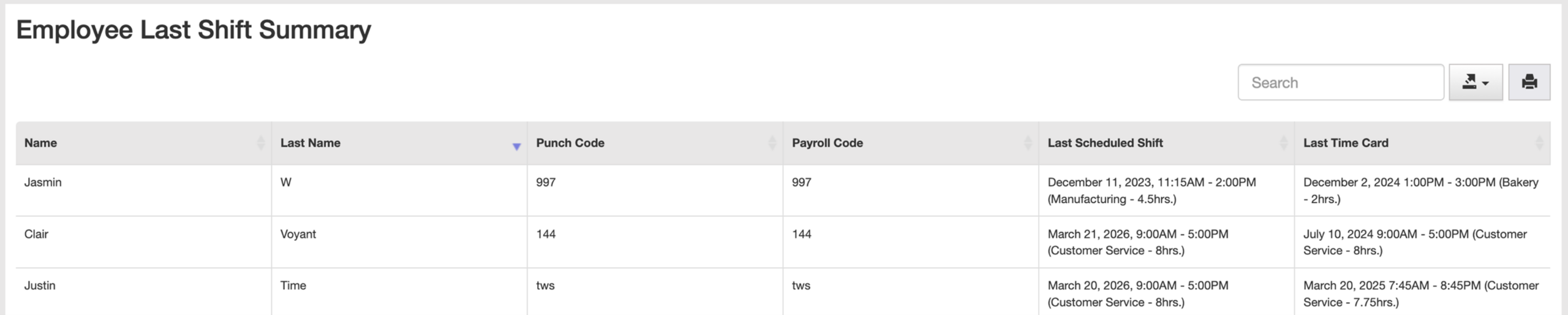
If you need to determine the last shift an employee worked (for example, when preparing a Record of Employment or reviewing employment history), you can quickly find this using the Employee Last Shift Summary report.
- Go to REPORTS
- Go to EMPLOYEE LAST SHIFT
- The report will show everyone’s last shift and last time card
When to Use This
Use this report when you need:
- The last day worked for an ROE
- Confirmation of recent activity
- Employment record verification
Tips
- Use the search bar to quickly find a specific employee

