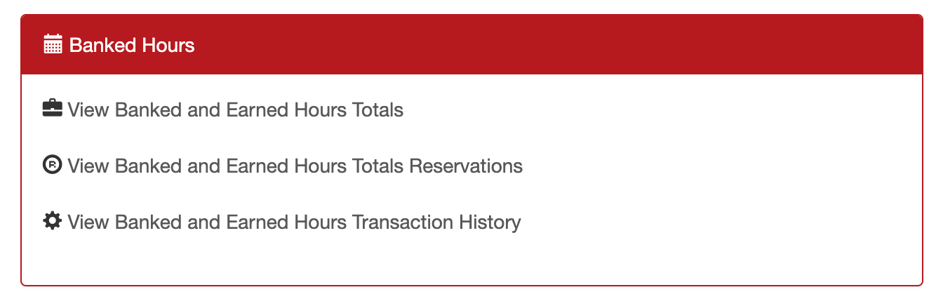
By default, managers and supervisors may not have access to view banked and earned hour totals for their employees. This access is controlled through security permissions and can be enabled by an Administrator for any level.
To enable the permission
- Go to MANAGE MY BUSINESS
- Go to MANAGE MY SECURITY GROUPS
- Find the group “View Banked and Earned Hours Totals”

- Check the groups that you want to have this permission
- Click SAVE
Once enabled, they will see these reports under MANAGE MY BUSINESS